Use Case

Metadata and Search, Built for How Teams Actually File Things

Every team ends up with its own filing logic, and none of it survives contact with a second team. Pydio Cells lets people label files by what they actually are, then find them by typing a few words, instead of remembering whose naming convention won this quarter.

No new tool to learn. No taxonomy handed down by IT. Just files that surface themselves.

search-hero
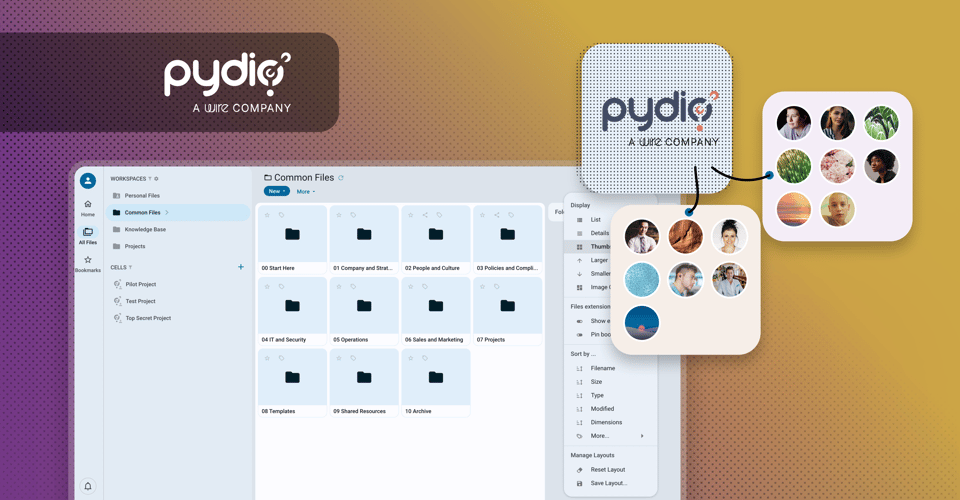
too-many-files
The Problem

Nobody Agrees on Where Anything Goes

Ask five people on the same team where last quarter's contract template lives, and you'll get five different folder paths — assuming anyone remembers at all. Folder trees grow one exception at a time: a "Latest Version" folder here, a "Final_v3" file there, a structure that made sense to whoever built it and to nobody since. Search-by-filename only works if everyone named the file the same way, and they didn't.

The usual fix is a naming convention memo nobody reads twice, or a separate wiki that drifts out of sync with the files it's describing. Either way, finding something still depends on someone's memory.

Describe the File. Let the Platform Handle the Rest.

Pydio Cells solves this by making the file's own description do the work a folder path used to do. Tag a document with what it is — client, project stage, document type, whatever your team actually tracks — and it becomes findable by that description from anywhere in the workspace, regardless of which folder it happens to sit in.

Built-In File Tagging & Discovery Toolkit

A few of the ways Cells helps teams stop relying on folder memory:

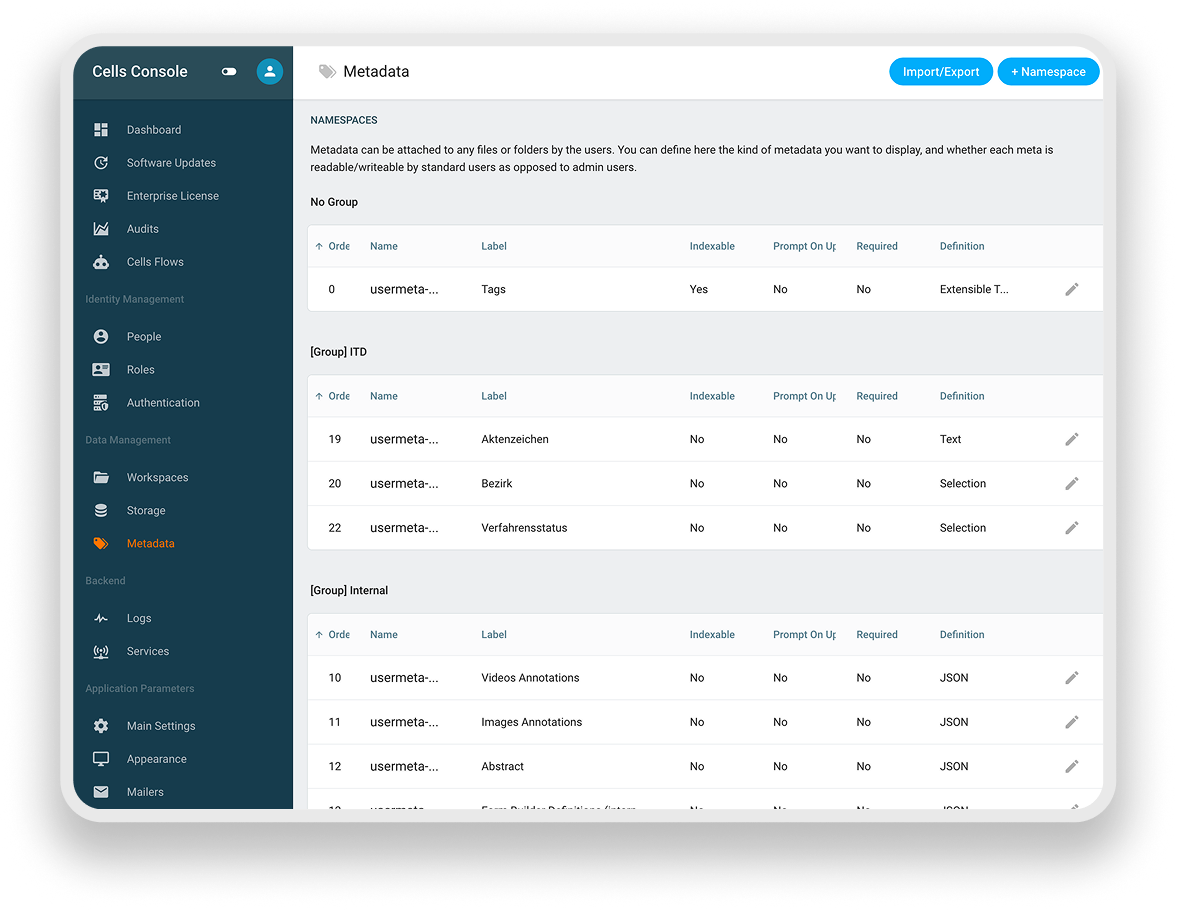
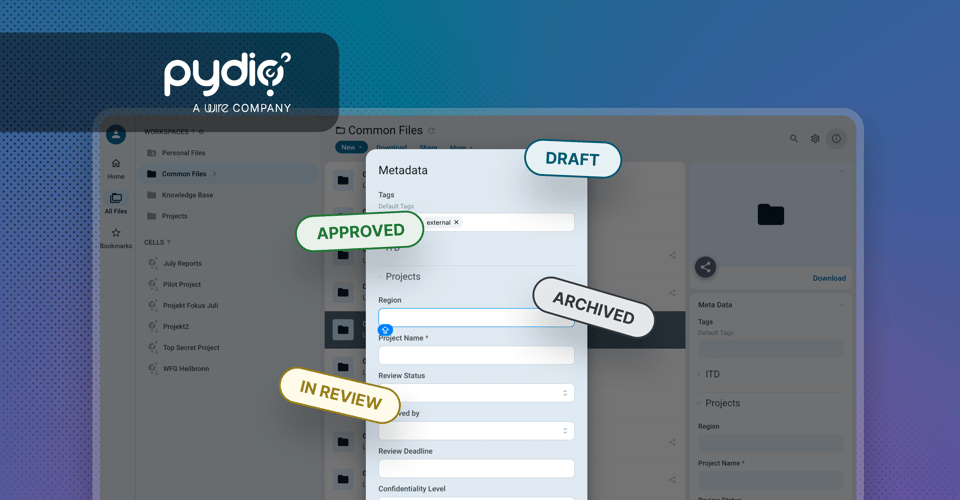
  • Metadata fields your team defines, not a fixed schema: Cells v5 lets any team set up its own custom fields — client name, project phase, status, whatever categories actually matter to that group's work.
  • Tag as you go, not in a separate step: Fields appear inline on the file itself, so tagging happens at upload or any time after, without opening a separate cataloguing tool.
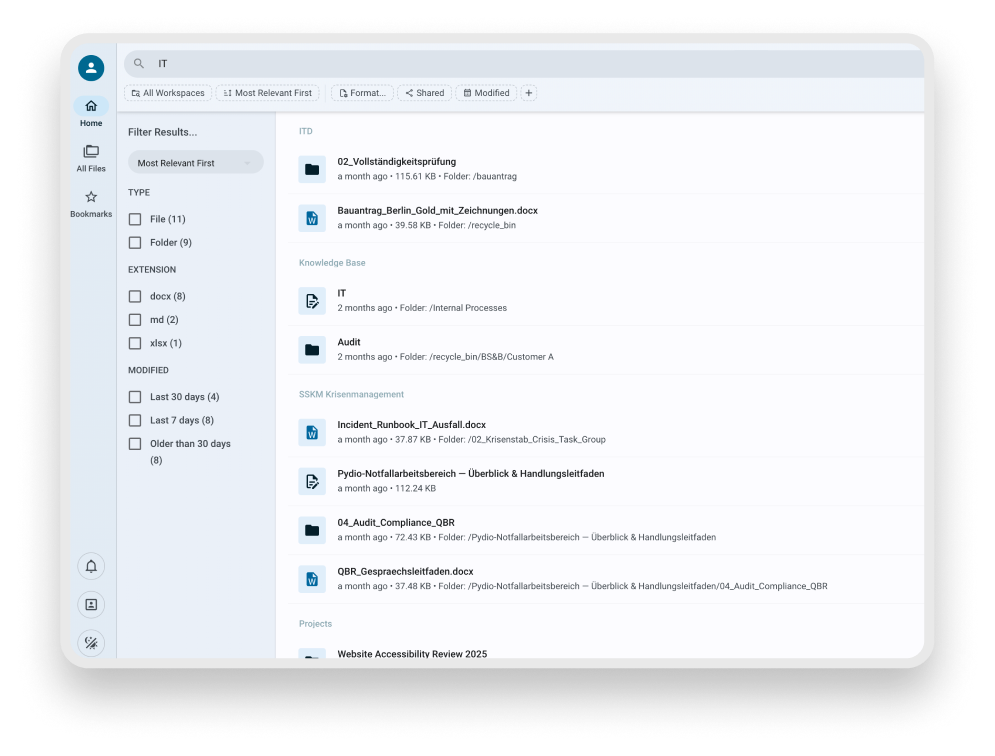
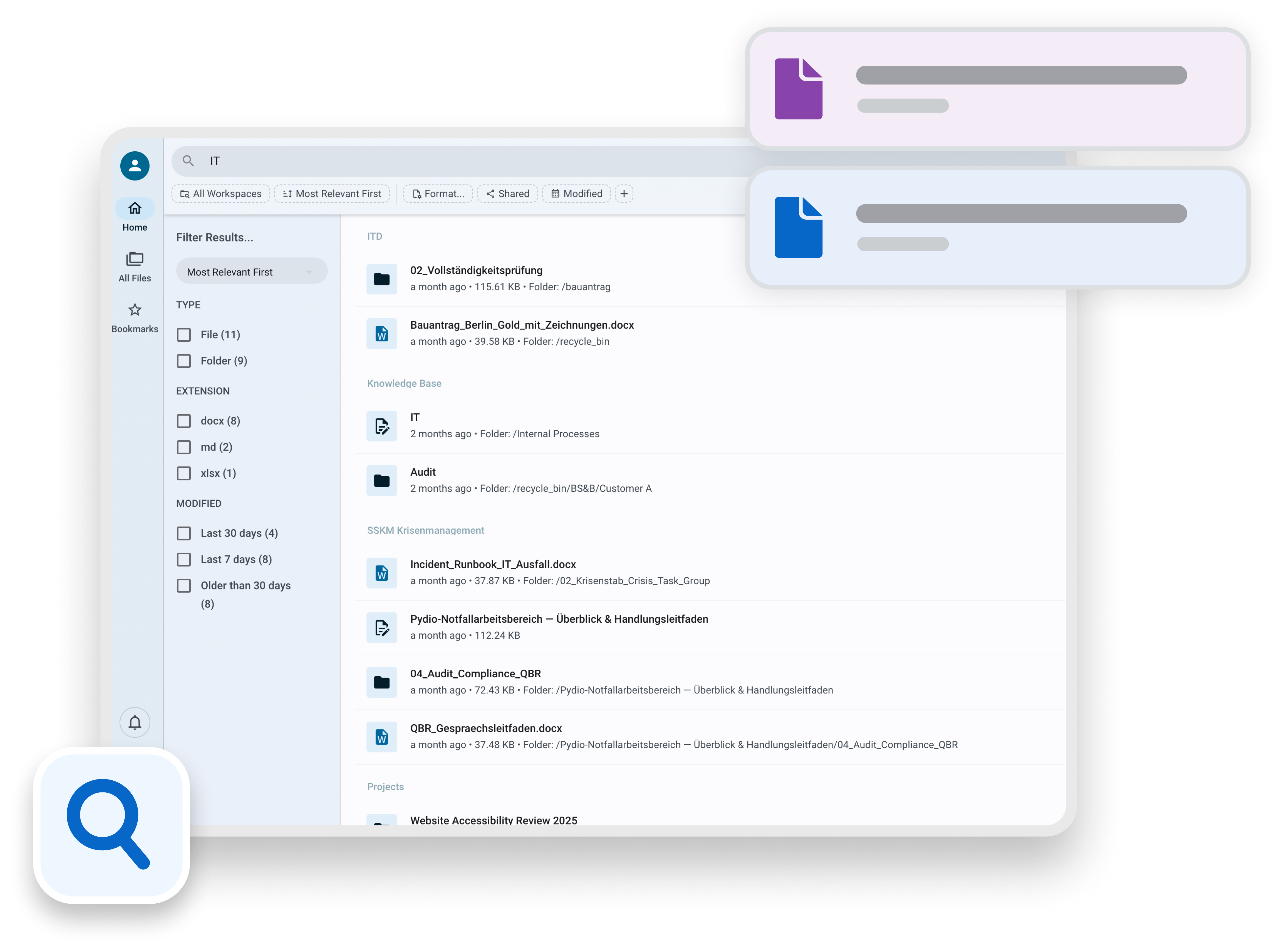
  • Type-ahead search across tags and content: Start typing and matching files surface immediately, searched against their tags, filenames, and file content together — not filenames alone.
  • One discussion thread per file or folder: Comments and chat live directly on the item they're about, so the reasoning behind a tag or a decision doesn't end up in a separate email thread.
  • Annotate images and video directly: Mark up a frame or a region on visual assets in place, instead of describing "the thing in the top left" over chat.
  • Field order and search-eligibility, your call: Choose which fields actually show up in results and in what order, so search stays relevant instead of noisy.
  • Automatic tagging on upload: Pair with Cells Flows to apply a starting tag automatically when a file lands in a given Cell, so nothing enters untagged and unfindable.
  • Search reaches into Pages, too: The same search that finds a tagged file also surfaces relevant Pages content, so a written runbook and the files it references turn up together.
More Ways Teams Put This to Work

Campaign Asset Retrieval Across a Spread-Out Marketing Team

File uploaded Tagged by campaign, channel, and date Findable by any team members

Scenario. A marketing team spread across product lines kept re-creating assets because nobody could find the original — the shared drive's folder names had drifted differently for every product line over a few years.

How Cells addresses it. Campaign, channel, and date become searchable fields on every asset. Anyone on the team can type a campaign name or a channel and get the file, regardless of which product line uploaded it or where it technically sits in the tree.

Handoff Between Teams Without A Status Meeting

File marked ready-for-review Reviewer notified in the file's own thread Decision and file stay together

Scenario. A design team's review cycle relied on Slack messages that outlived their relevance — by the time someone found the thread, the file had already changed twice.

How Cells addresses it. A status tag change notifies the reviewer directly, and the conversation about the file happens in that file's own discussion thread. Anyone joining later sees the file and the reasoning behind its current state in one place.

Bringing A New Team Member Up to Speed

New hire added to a Cell Searches by role or topic tag The right files and Pages surface immediately

Scenario. Onboarding a new hire meant either forwarding a folder link that was already out of date, or fielding the same "where do I find X" questions for their first two weeks.

How Cells addresses it. Onboarding material tagged by role or topic turns up in search the moment a new hire looks for it, files and the Pages that explain them together, without a teammate having to reconstruct the folder path from memory.

How It Works

Getting From "Where Is It" to "Found It"

  • Set up a handful of fields that match how your team actually describes its own work, not a schema imposed from outside.
  • Tag files as they're created or uploaded, either by hand or automatically through a Flow.
  • Search by typing what the file is about; matches come from tags, filenames, and file content together.
  • Discuss the file where it lives, so the next person who searches for it finds the context along with the document.
search-interface-1
Metadata Setting on Pydio Cells Console
Tagging Automation with Cells Flow

From Upload to Findable, Without a Second Step

A product team was losing time re-uploading spec documents because the originals were technically "somewhere," just not anywhere anyone could locate on demand. Now, a file dropped into the specs Cell is automatically tagged with its project and status the moment it's uploaded, no one has to remember to do it, and no file ever sits untagged and effectively invisible.

What's New At Pydio?

Want to stay up to date with everything Pydio? That’s easy. Just subscribe to our newsletter or follow us on LinkedIn.

Secure Data Room Software Guide for 2025
Wire Drive

Secure Data Room Software Guide for 2025

Explore the enterprise guide to secure data rooms in 2025. Learn use cases, essential features, and how Pydio Cells delivers control, compliance, and...

Get Started

Talk to a Pydio Expert

Do you need more information about the product? Looking for a specific feature or a formal quote? Leave us a message!