Use Case

Compliance-ready Audit Trails, Built into Every Document

Most document platforms treat metadata and audit logs as bolt-on features, leaving compliance teams to reconstruct accountability after the fact, rather than retrieve it on demand.

Pydio delivers structured metadata and comprehensive audit logging as core platform capabilities, not configuration exercises.

Metadata Hero-1
auditability
The Problem

Every Gap in Your Metadata is a Liability Waiting to Surface

Compliance frameworks (GDPR, ISO 27001, SOC 2, HIPAA, sector-specific regulations) all converge on the same requirement: you need to know what data you have, who touched it, when, and what happened to it.

Most document platforms either provide incomplete audit logs (user-facing activity without infrastructure-level events), or export in formats that don't integrate cleanly with SIEM/observability stacks. Metadata classification is either manual and therefore ignored, or automated but too coarse-grained to satisfy auditors. Configuration changes are often unlogged, making reconstruction of security incidents slow and incomplete.

One Platform for Documents, Metadata, and Audit — Not Three

Most organizations assume audit and metadata management require dedicated tools layered on top of their document platform. With Pydio Cells, that assumption doesn't hold: both are core capabilities, not add-ons.

Advanced Auditability & Metadata System

Here are a few of the ways we help you meet your audit and metadata challenges:

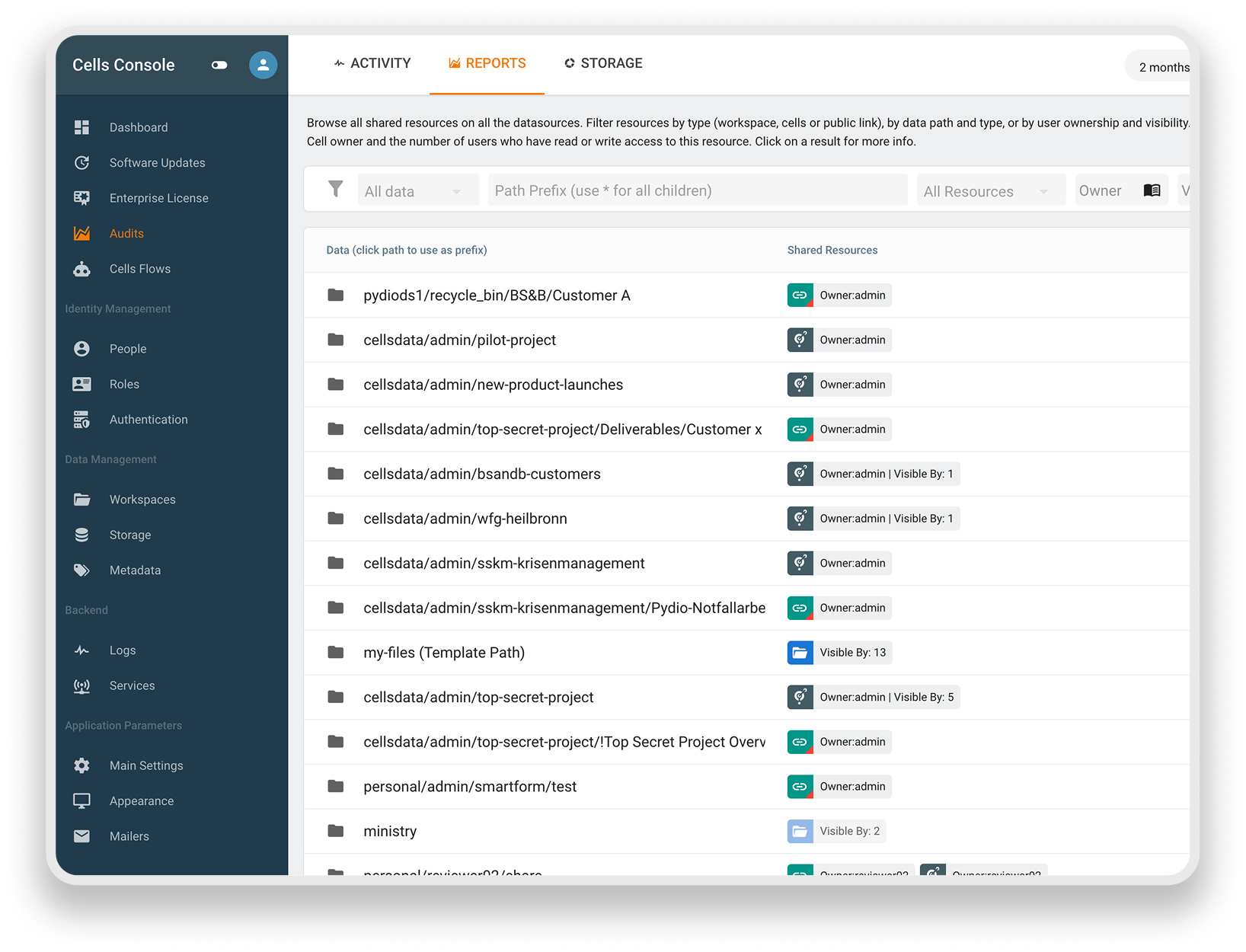
  • Per-user, per-file audit logs: Every access, edit, share, and permission change is logged individually — kept separate from system logs so compliance reporting doesn't require sifting through operational noise.

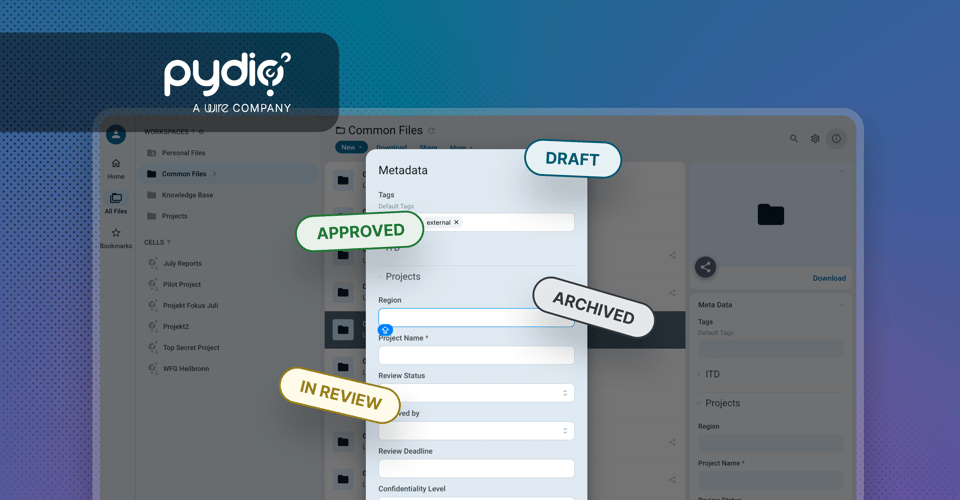
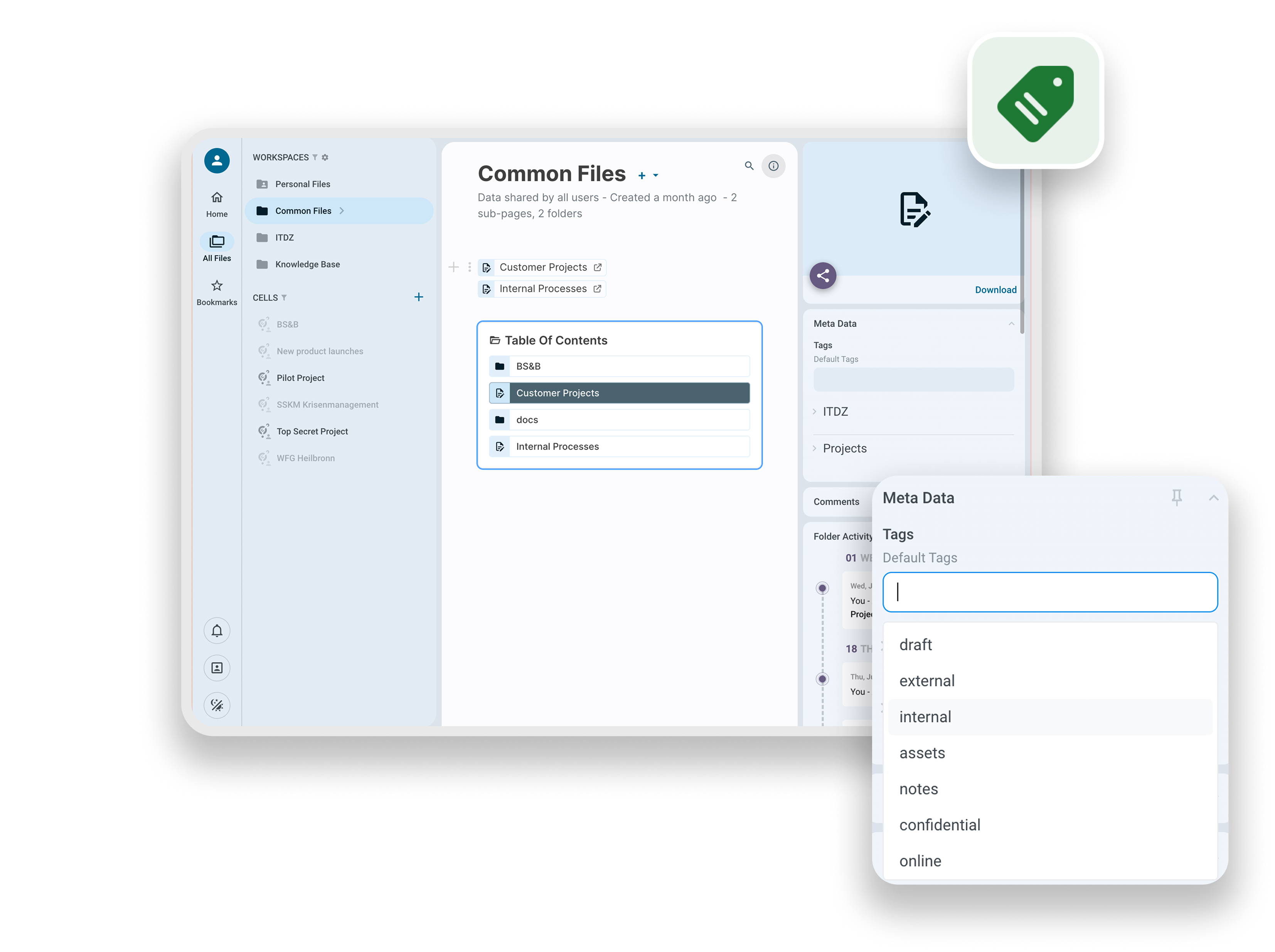
  • Rebuilt metadata system (v5): Cells allows users to create and define almost any type of file metadata, specify the order fields appear in, and set whether they can be used as search criteria. Learn more here.

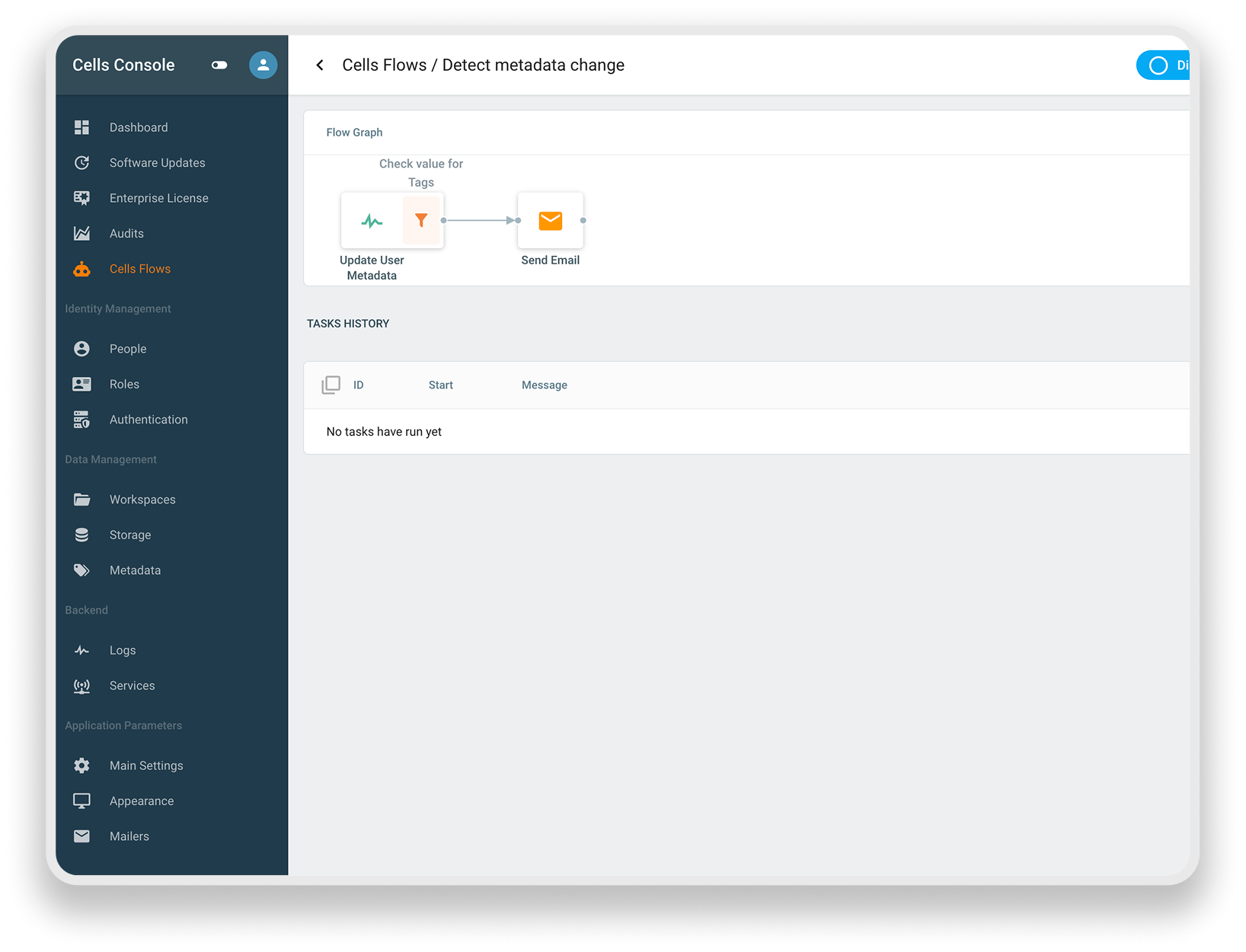
  • Automated metadata capture via Flows: Cells Flows can enforce metadata completion at upload, apply classification tags based on workspace rules, and trigger notifications when documents are created in a project Cell, so every new document is tagged and governed from minute one, without manual tagging.

  • Granular, identity-linked access controls: Role-based permissions tied to your existing directory via SAML, OIDC, or LDAP mean access logs map directly back to real identities, not shared or ambiguous accounts.

  • Retention and lifecycle policies: Configurable retention rules, also enforced through Flows, ensure documents age out, get flagged, or get archived automatically — reducing manual tracking and audit prep time.

  • Controlled external disclosure: Expiring, password-protected share links and watermarking on shared documents give compliance teams a controlled way to share sensitive files externally without losing the audit trail.

  • Compliance dashboards and reporting: A full suite of customizable dashboards and audit tools designed to support GDPR, HIPAA, PIPEDA, and NIS2 reporting requirements, built for admins and managers to use directly.

  • NLP-powered search across metadata and content: Full-text search spans connected storage backends (local filesystem, S3-compatible, Azure Blob, Google Cloud Storage) as well as metadata and page content, so classified documents stay findable, not just tagged.

  • Data sovereignty by architecture: Self-hosted on-premises, in a private cloud, or in a sovereign regional cloud of your choice. Audit logs and metadata never leave infrastructure you control, with no CLOUD Act or PATRIOT Act exposure. Learn more about Cells' security in our whitepaper.

  • One system, not two: Audit logging and metadata management live in the same platform as the documents themselves, nothing to reconcile between a compliance tool and a document store.
How It Works

What Happens When an Auditor Asks "Who Touched This File?"

  • With Cells self-hosted on your infrastructure, the answer never depends on a third party's retention policy.
  • Every user is authenticated via SAML, OIDC, or LDAP, so the log names a person, not a shared credential.
  • Required metadata such as classification, owner, approval status, is captured automatically at upload, so context isn't missing when you need it.
  • The full history — access, edits, shares — exports in minutes, answering the question before it's fully asked.
audit-reports
cells-flow-metadata
Use Case with Cells Flow

Automated Metadata Tagging, Built for Compliance at Scale

A German public administration department handles thousands of case files a year, each requiring a file number, district, and other details before it can be processed.

In Cells, these fields are configured once as a namespace — set as required, made indexable for search, and enforced automatically through Cells Flows. No caseworker has to remember the taxonomy, and no admin has to audit for missing tags after the fact — the structure is enforced at the point of entry, not reconstructed later.

What's New At Pydio?

Want to stay up to date with everything Pydio? That’s easy. Just subscribe to our newsletter or follow us on LinkedIn.

Secure Data Room Software Guide for 2025
Wire Drive

Secure Data Room Software Guide for 2025

Explore the enterprise guide to secure data rooms in 2025. Learn use cases, essential features, and how Pydio Cells delivers control, compliance, and...

Get Started

Talk to a Pydio Expert

Do you need more information about the product? Looking for a specific feature or a formal quote? Leave us a message!