Self-Hosted, Enterprise Document Sharing and Collaboration
Security, compliance, or privacy rules keep you off SaaS sharing tools — but your teams, partners, and clients still need to exchange and work on documents together. Pydio Cells was built for exactly this.
Cells gives you the ease of a consumer sharing app without handing your files to infrastructure someone else controls. Here's how it holds up for your organization.
Consumer Sharing Tools Leave Gaps You Can't See
Dropbox, Box, SharePoint Online, Google Drive: each one quietly moves control of a document outside your organization the moment someone hits "share." A public link here, an external invite there, a file sent through WeTransfer because it was faster, and your audit trail has a hole in it.
Meanwhile, most teams are stitching together a file-transfer tool, a separate collaboration app, and a separate permissions system, with nobody able to answer "who can see this?" in one place.
The tools you're sharing through may be costing you more visibility than you realize.
Is There a Better Way to Share Documents?
For most organizations that need real control, yes. Pydio Cells is a self-hosted, cloud-native platform that keeps the low learning curve of a consumer app while putting IT firmly back in charge of where data lives and who can reach it.
What Cells Handles for You
- You own the infrastructure: Cells runs on your servers or your private cloud, so storage, performance, and security decisions stay yours.
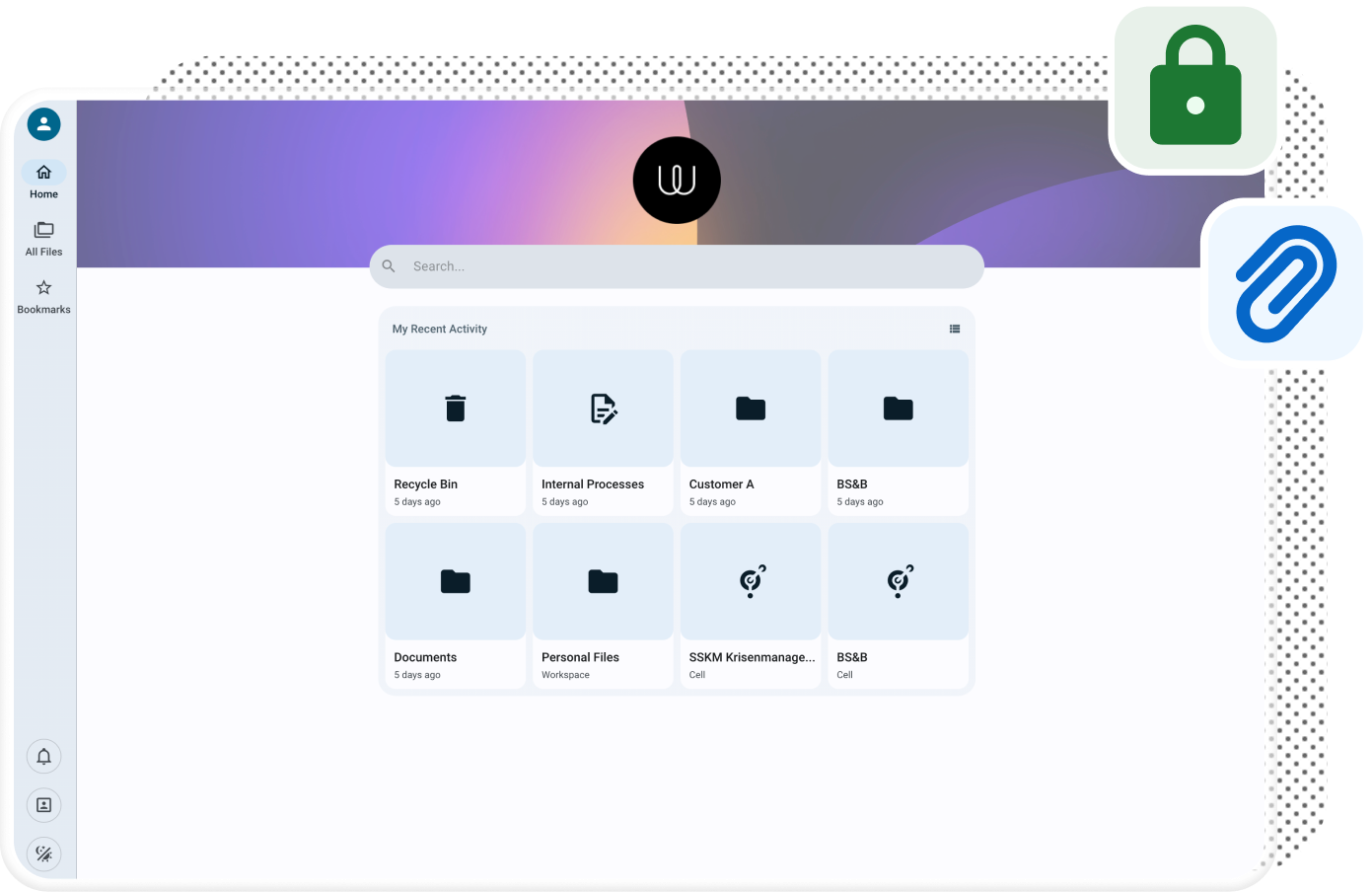
- Public links with teeth: Share a file or folder with granular permissions (preview, read, upload, edit), a password requirement, an expiration date, or a download cap. Link ownership can also be reassigned to another user or group. Details in the Sharing Features guide.
- Cells as shared workspaces: A "Cell" bundles files, folders, and the people working on them, with built-in chat for context. Set an expiration date and permissions deactivate automatically once it passes, except for the owner. More in Workspaces / Cells.
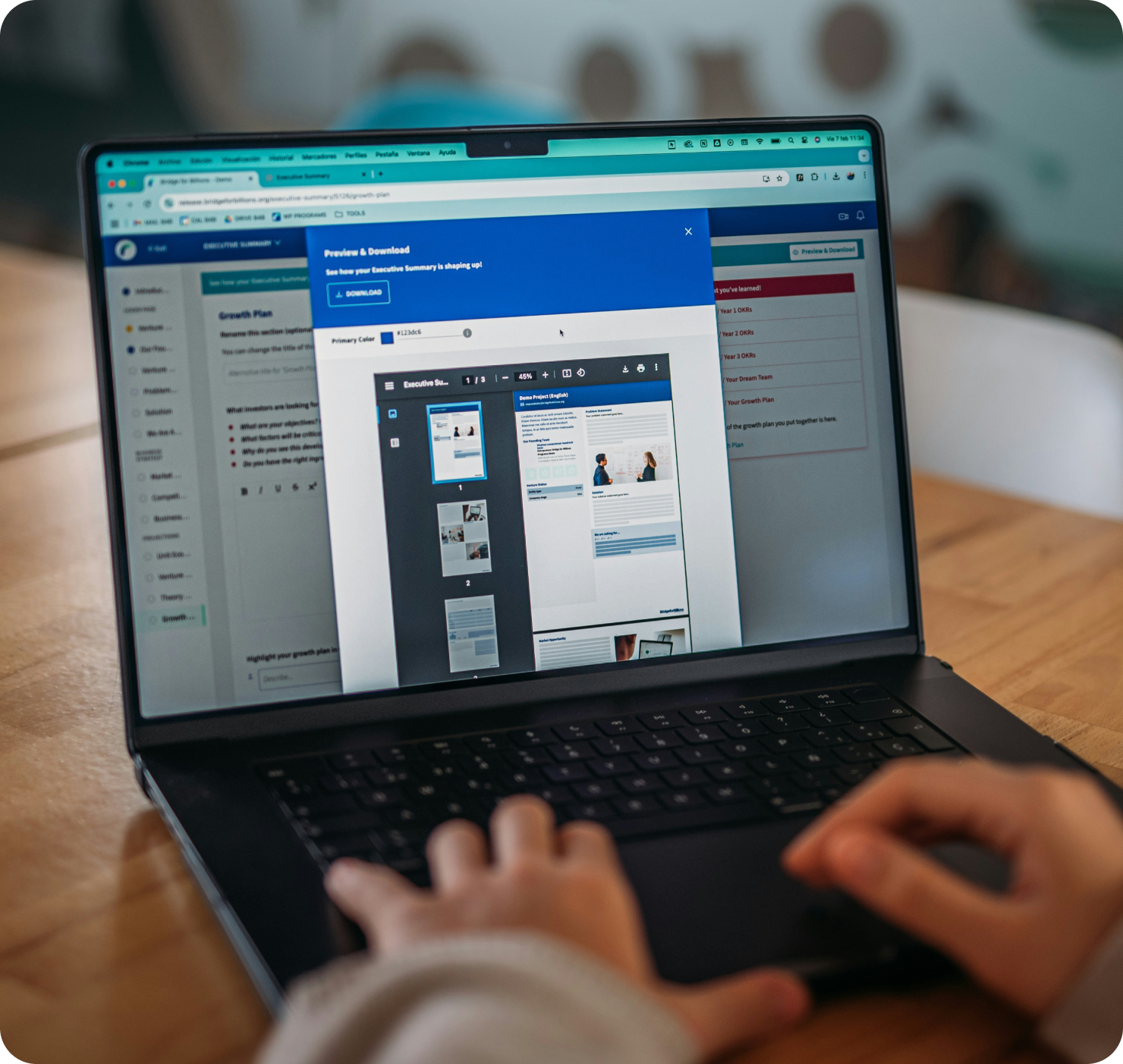
- Co-editing without the download-upload shuffle: Connect Collabora Online, or OnlyOffice on Enterprise, so people can edit the same document together right inside Cells. See Add Collaboration Tools.
- Automation that removes busywork: Cells Flows, our no-code engine, handles repetitive tasks, links up with third-party systems, and runs multi-step workflows on its own.
- Security built in, not bolted on: SAML, OIDC, and LDAP/AD single sign-on, role-based access control, and — on Enterprise — dynamic access policies plus hardening like MFA and IP banning.
- Search that finds what you're looking for: Full-text search reaches across every connected storage backend (local filesystem, S3-compatible object storage, Azure Blob Storage) and your metadata. The rebuilt v5 metadata system lets you define your own fields, set their display order, and flag which ones are searchable. More on Metadata.
- Work from wherever: Teams, partners, and clients reach their documents securely from any device, whether that's the web app, desktop sync, WebDAV, or mobile.
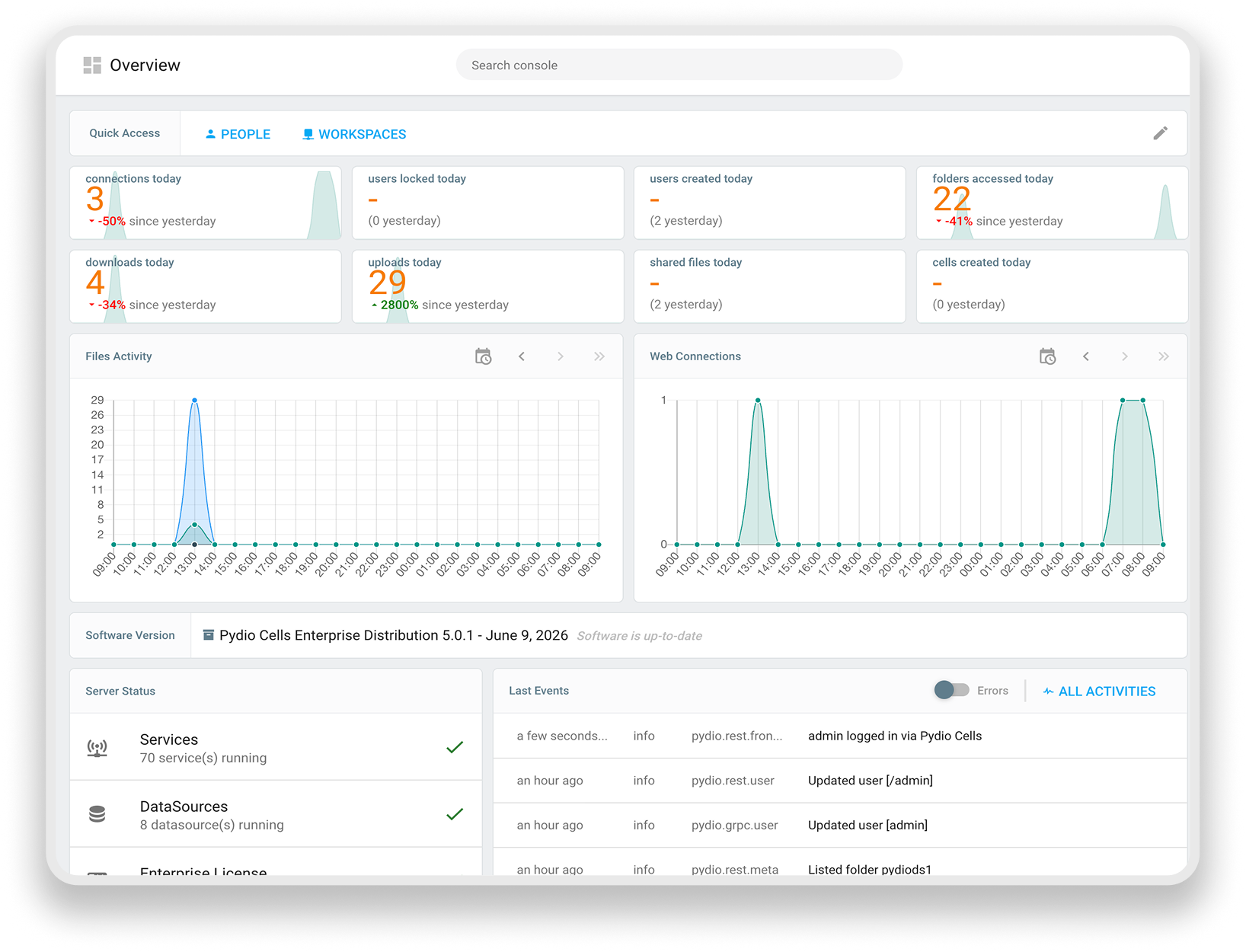
- Compliance without extra tooling: Enterprise customers get customizable dashboards plus audit-log export and compliance reporting, so admins aren't chasing this data down manually.
And more use cases
Cells started as a document-sharing and collaboration platform — but our clients have found plenty of other uses for it. Here are a few you might not have considered.
Knowledge Management
If you can't find the knowledge your organization creates, you can't use it. Clients rely on Cells' metadata, tagging, and search to keep it findable.
Digital Asset Management
Cells stores, catalogs, and shares more than just files. Several clients run it as their DAM, with no separate platform needed.
Metadata Service & Audit Trails
Most clients drop file-transfer tools like WeTransfer or Dropbox entirely once they're on Pydio. Full audit trails and metadata come built in.
Workflow Automation with Cells Flow
Document management and sharing, powered by the same engine. Clients like not paying for two separate tools to get both.
Unified File Infrastructure
Separate departments, subsidiaries, or clients don't need separate platforms. Cells keeps each tenant's data isolated on one shared infrastructure.
Secure Document Portal
A branded, secure portal is how clients hand partners and customers access to the right documents — without the run of the whole system.
One Platform Instead of a Stack of Point Solutions
Most organizations don't buy one sharing tool — they end up with several: a file-transfer app, a separate collaboration suite, a bolt-on compliance tool to track it all. Each one is its own license, its own integration, its own gap in visibility.
Cells replaces that stack with a single deployment that handles sharing, co-editing, and compliance together. Fewer systems to secure, fewer vendors to manage, and one place where IT can answer "who has access to what" without cross-referencing three tools.
The Document Sharing Platform Built for Sovereignty
Pydio Cells solves your document sharing and collaboration needs while giving you full control, at no extra cost.
- Fully self-hosted deployment; on-premises, private cloud, or hybrid, including Kubernetes
- SAML, OIDC, and LDAP integration with your existing identity provider
- Built to support GDPR and NIS2 accountability requirements
Talk to a Pydio Expert
Do you need more information about the product? Looking for a specific feature or a formal quote? Leave us a message!