Use Case

No-Code Automation Workflows, Built for IT Control

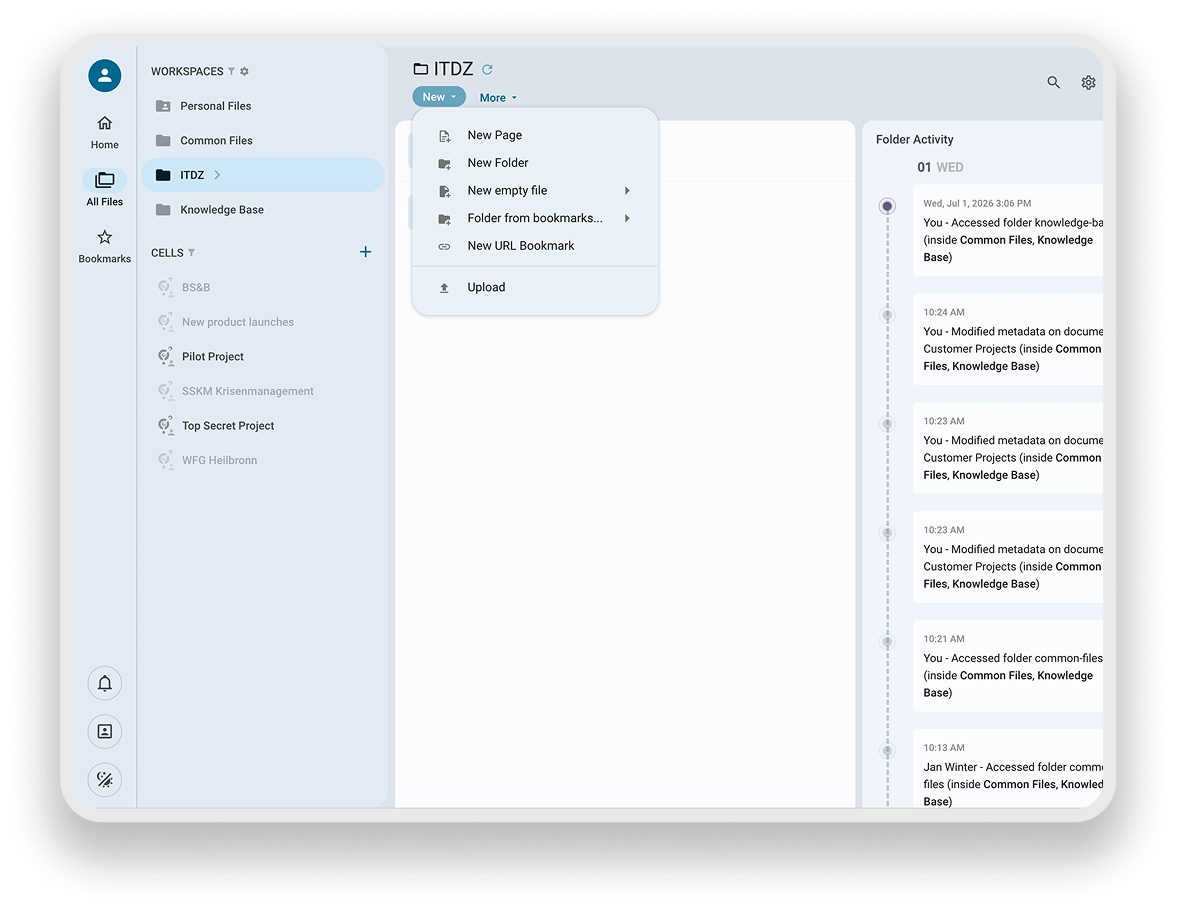
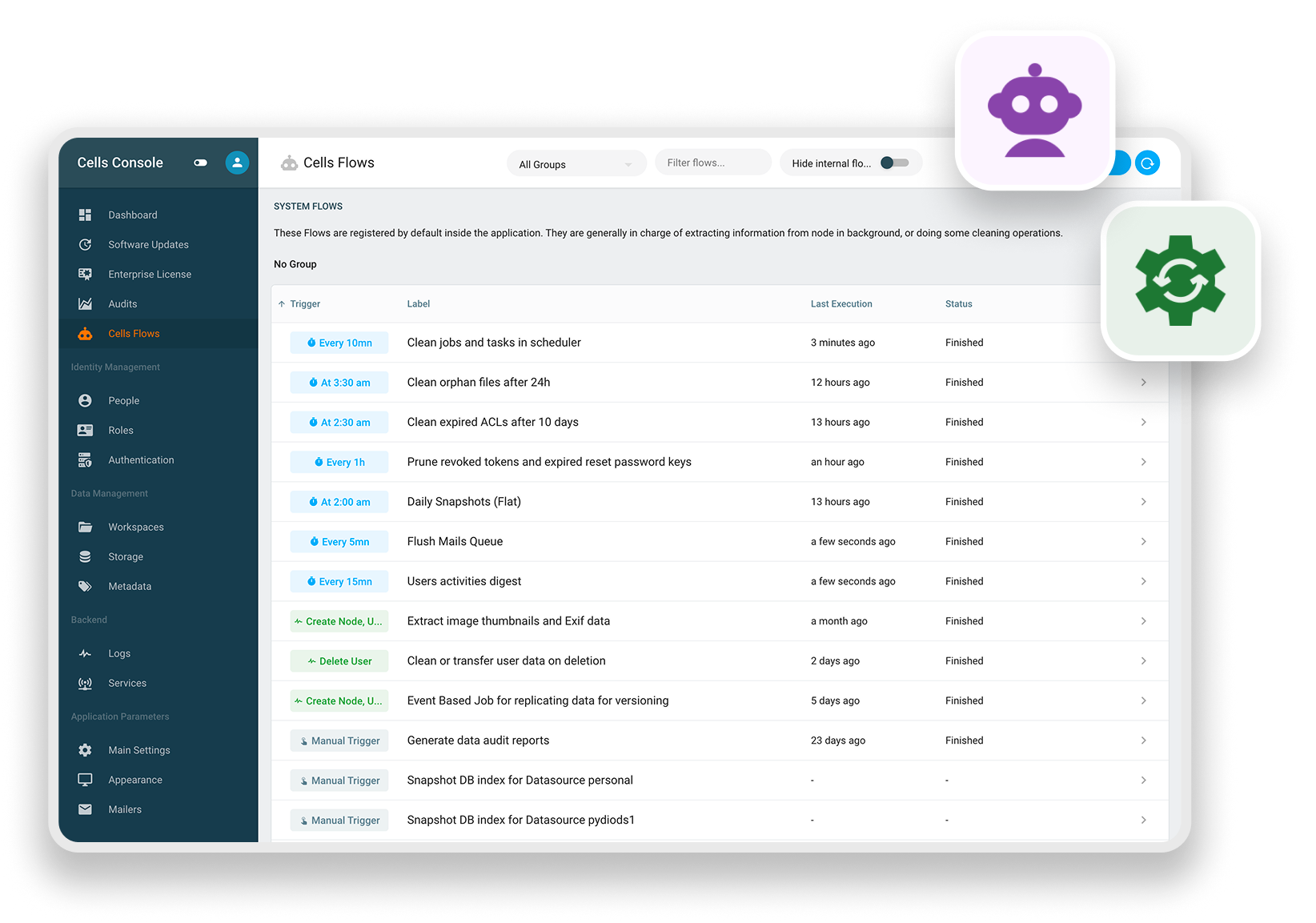
Cells Flows turns document events into real actions: tagging, routing, notifications, or a call to a third-party system — set up in a few clicks, no scripting required.

Automate the busywork without giving up control. Every workflow runs on your infrastructure, over your documents, under your rules.

Automation Hero
Manual Document Workflows
The Problem

Manual Document Workflows Don't Scale, They Just Get Slower

As document volume grows, so does the manual work around it: tagging files by hand, notifying the right person when something needs review, moving documents between stages, keeping metadata consistent. Most teams either accept the overhead or hire developers to script around it, and either way, the workflow lives outside the platform, disconnected from the documents it's meant to govern.

Stop Building Workarounds. Start Building on the Platform Itself.

Every manual step in a document workflow — tagging, routing, notifying, checking for compliance — is a step your team repeats hundreds of times a year, and a step that breaks the moment someone forgets it. Pydio Cells builds automation directly into the platform, so the workflows that keep documents moving are as governed and auditable as the documents themselves.

Advanced Workflow & Automation System

Here are a few of the ways we help you meet your workflow and automation challenges:

  • No-code workflow builder (Cells Flows): Build automations through a drag-and-drop interface — no scripting, no developer resources required to connect document events to actions.

  • Triggers on real document events: Automate on file upload, Cell creation, metadata change, or status update, so workflows respond the moment something actually happens — not on a schedule that's already behind.

  • Automated tagging and classification: Flows can apply metadata and classification tags at the point of creation, so documents are structured and findable without manual intervention.

  • Chained, multi-step automations: One trigger can cascade into several actions (tagging, notification, and a third-party API call) all within a single Flow.

  • Retention and lifecycle automation: Archive, flag, or delete documents automatically on schedule, removing manual tracking from compliance-driven retention policies.

  • Third-party integration: Connect Flows to CMS, marketing automation, and project management tools via API, so document workflows extend into the rest of your enterprise stack without a separate integration layer.

  • Full audit parity with manual actions: Every automated action is logged identically to a manual one, automation never creates a gap in the audit trail.

  • Data sovereignty by architecture: Automations run entirely within your self-hosted infrastructure — on-premises, private cloud, or sovereign regional cloud — so no document or workflow data passes through a third-party automation service.

  • One system, not two: Workflow automation lives inside the same platform managing your documents and metadata — nothing to reconcile between a separate automation tool and your document store.
More Automation Use Cases

Document Lifecycle Management & Attack Surface Reduction

Timer: last-accessed check Tag pending-archive + notify owner Archive or delete after grace period

Scenario. A large insurance company needed to reduce document exposure without manual purge processes. Inactive documents left in accessible workspaces are a compliance liability and an attack surface.

How Cells addresses it. A multi-step Flow monitors documents by last-accessed or last-modified timestamp, tags inactive documents with a pending-archive flag, notifies the document owner, and moves untouched documents to a restricted archive or deletes them per policy after a grace period.

Legal: matter lifecycle Financial: trade docs Healthcare: record retention Government: FOIA holds

Automated Access Provisioning & Deny-by-Default

New hire or role change event Match workspace policy Grant scoped access, deny rest

Scenario. A security-conscious organization wanted to ensure new accounts start with minimum privileges, with access granted explicitly rather than inherited broadly.

How Cells addresses it. A first-connection Flow fires when a new user authenticates for the first time. It automatically provisions a role with minimum ACL permissions via the workspace role API. Access to additional resources requires explicit grants. A parallel notification Flow alerts the user's manager to prompt formal access review.

Minimum blast radius Multi-tenant deployments Manager-driven access review

Cross-Platform Connectivity & Webhook Orchestration

File reaches trigger state
Webhook fires to external endpoint
External system processes & writes back

Scenario. An organization wants Cells to act as the document backbone for a broader process ecosystem, triggering actions in a custom ERP, CMS, or project management tool when files reach certain states.

How Cells addresses it. A state-change or metadata-change trigger fires a webhook to an external endpoint, passing file metadata, workspace context, and user information as a JSON payload. External systems process the event and can write results back to Cells via the scheduler API. FTP and HTTP upload and download actions let a Flow pull files from or push files to external servers as part of the same workflow. Learn more about webhooks.

JSON webhook payloads Scheduler API write-back FTP / HTTP pull and push

System Maintenance Automation

Scheduled trigger Run cleanup / housekeeping job Log result and notify on failure

Scenario. An admin team is spending recurring manual effort on housekeeping — trimming logs, clearing stale activity feeds and notifications, emptying recycle bins, and re-enabling links that got disabled by policy — instead of on higher-value work.

How Cells addresses it. A time-based trigger runs a Flow on a schedule (daily, weekly, or custom cron) using built-in maintenance actions: truncating system logs and audits, purging activities and user notifications, emptying recycle bins across workspaces, and unlocking public links after a review. Snapshot and backup actions can run in the same job to capture datasource state before cleanup executes, and the task's outcome can trigger a notification if something fails.

Cron / scheduled triggers Log & audit truncation Recycle bin & notification purge
How It Works

How to Secure Your Documents in a Few Steps

  • Deploy Cells on your own infrastructure, so data never leaves your jurisdiction.
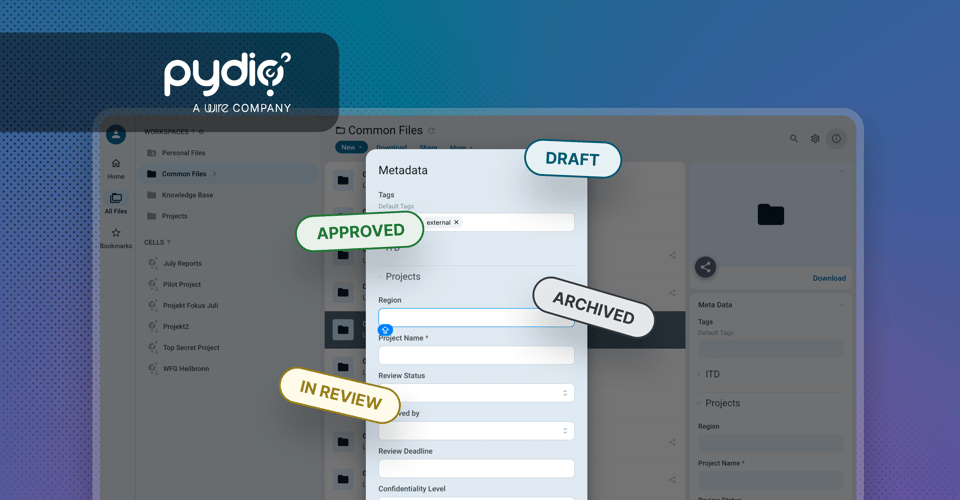
  • Documents are automatically structured with metadata and taxonomy as they're created, so they're findable without manual tagging.
  • Teams author and publish knowledge directly in Pages, turning static files into a searchable, governed knowledge base.
  • Every access, edit, and share is logged for audit; compliance is a byproduct of normal use, not a separate process.
Auditability Hero 1
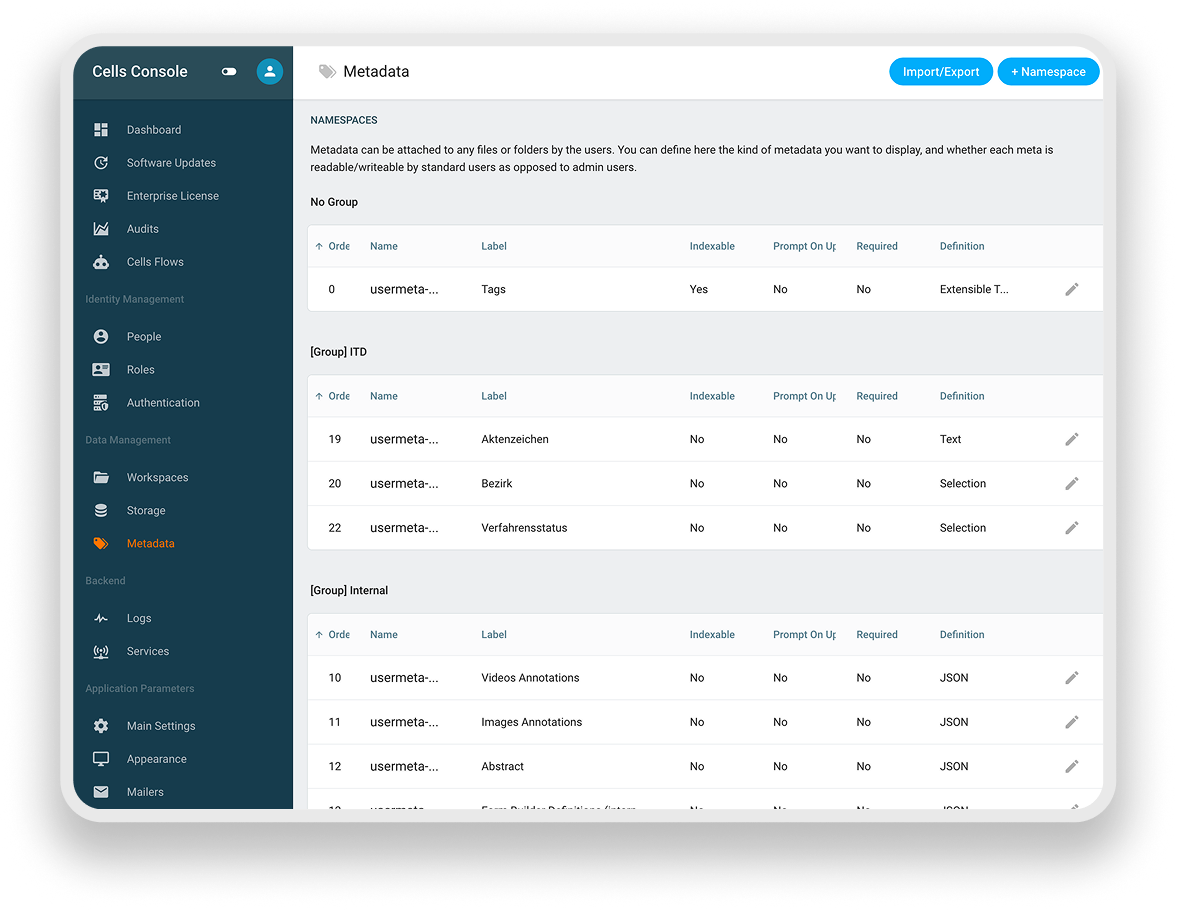
Metadata Setting on Pydio Cells Console
Use Case with Cells Flow

From Upload to Action, Automatically

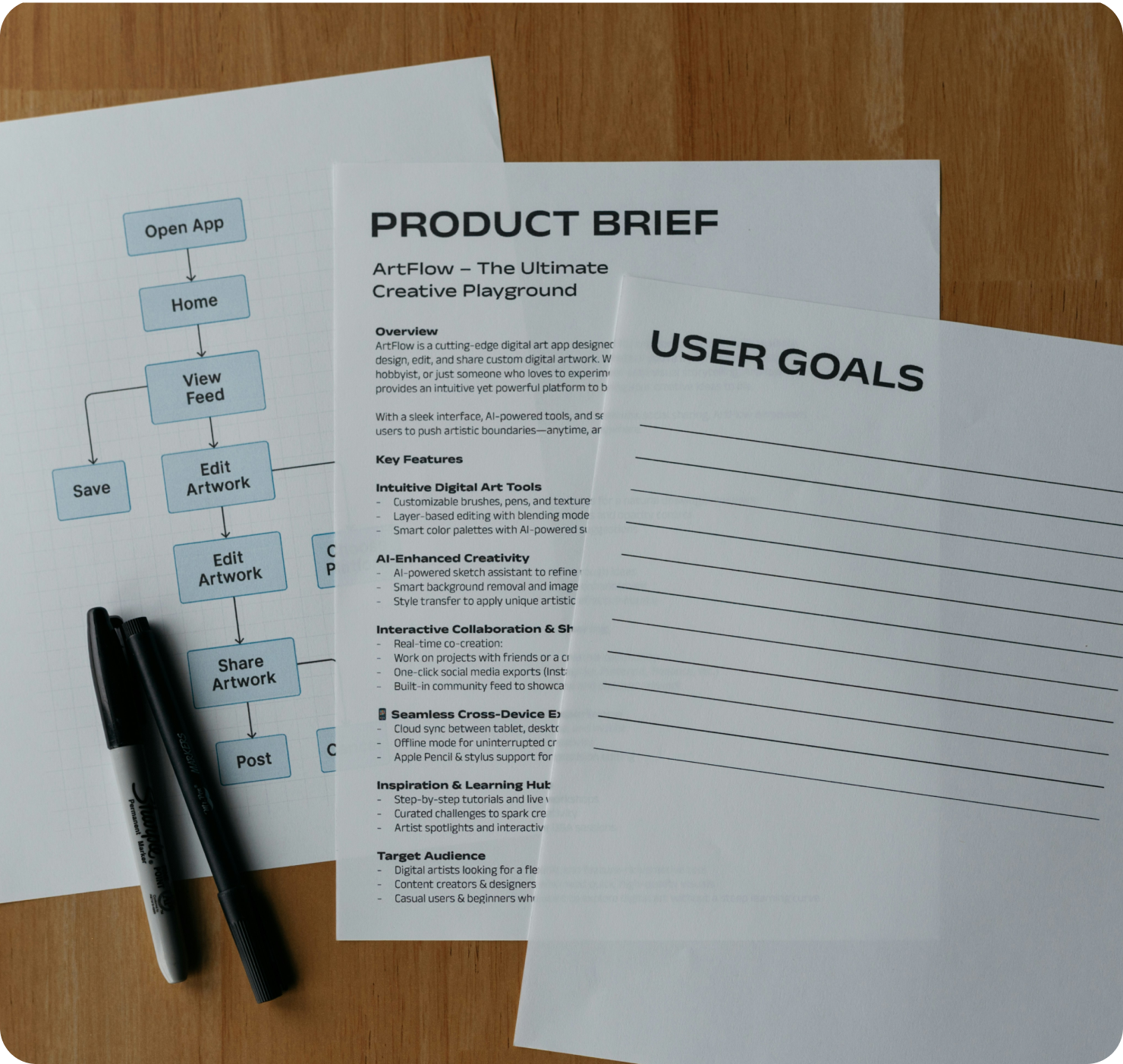
An insurance company processes hundreds of claims documents a week, each requiring intake, a compliance check, and routing to the right adjuster. In Cells, uploading a claim triggers a Flow automatically: the file is tagged, checked for required fields, and routed to the assigned adjuster — no scripts, no manual handoffs. Missing fields flag the claim and notify intake instead of letting it advance.

What's New At Pydio?

Want to stay up to date with everything Pydio? That’s easy. Just subscribe to our newsletter or follow us on LinkedIn.

Secure Data Room Software Guide for 2025
Wire Drive

Secure Data Room Software Guide for 2025

Explore the enterprise guide to secure data rooms in 2025. Learn use cases, essential features, and how Pydio Cells delivers control, compliance, and...

Get Started

Talk to a Pydio Expert

Do you need more information about the product? Looking for a specific feature or a formal quote? Leave us a message!