Do You Need a Stand-Alone Knowledge Management System (KMS)?
The quick answer is probably not. Pydio Cells is a powerful, self-hosted platform that combines the essential functionality of a document management, sharing and collaboration platform with the rich context and searchability features required to meet your knowledge management challenges.
Advanced Knowledge Management System
Here are a few of the ways we help you meet your knowledge management challenges:
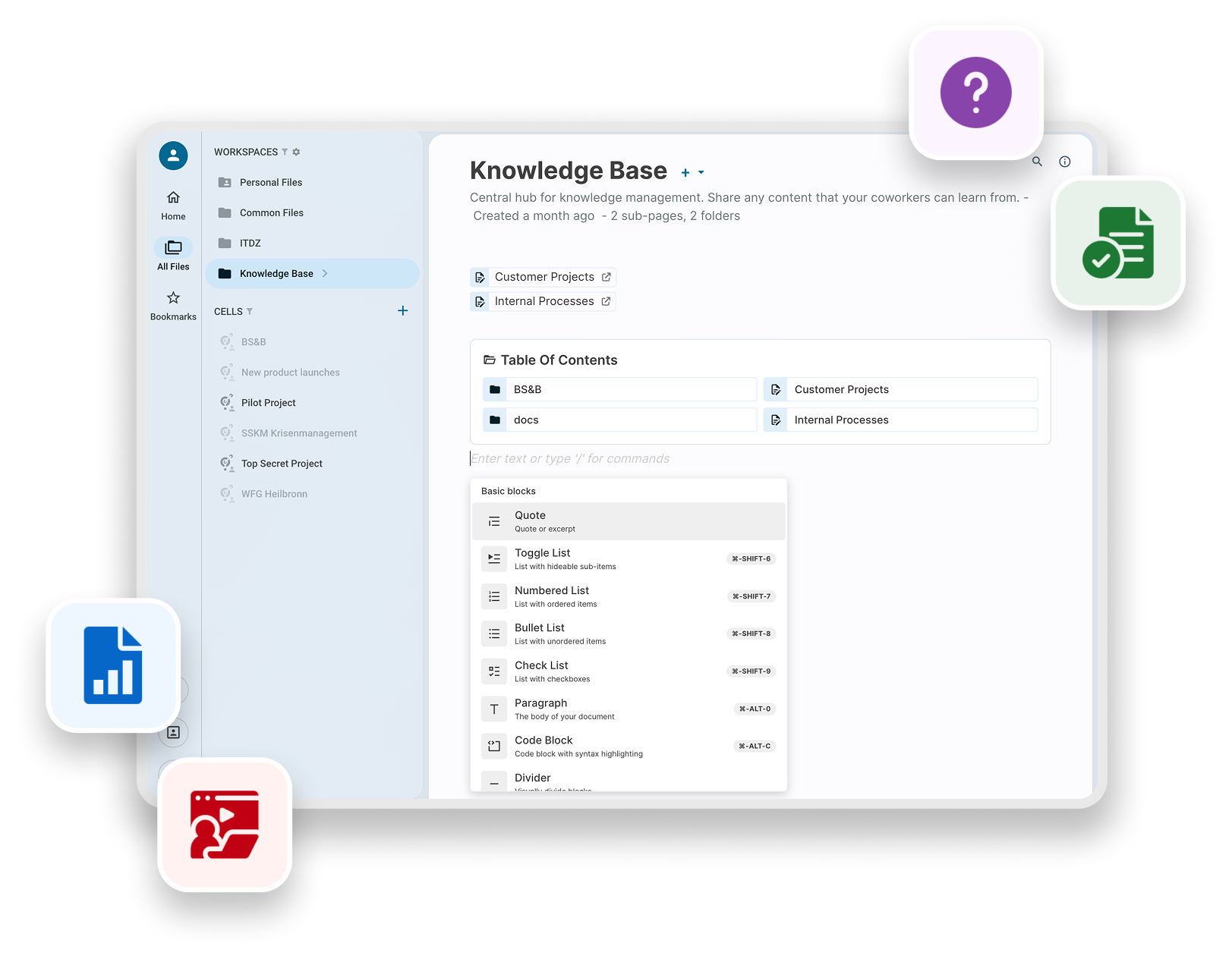
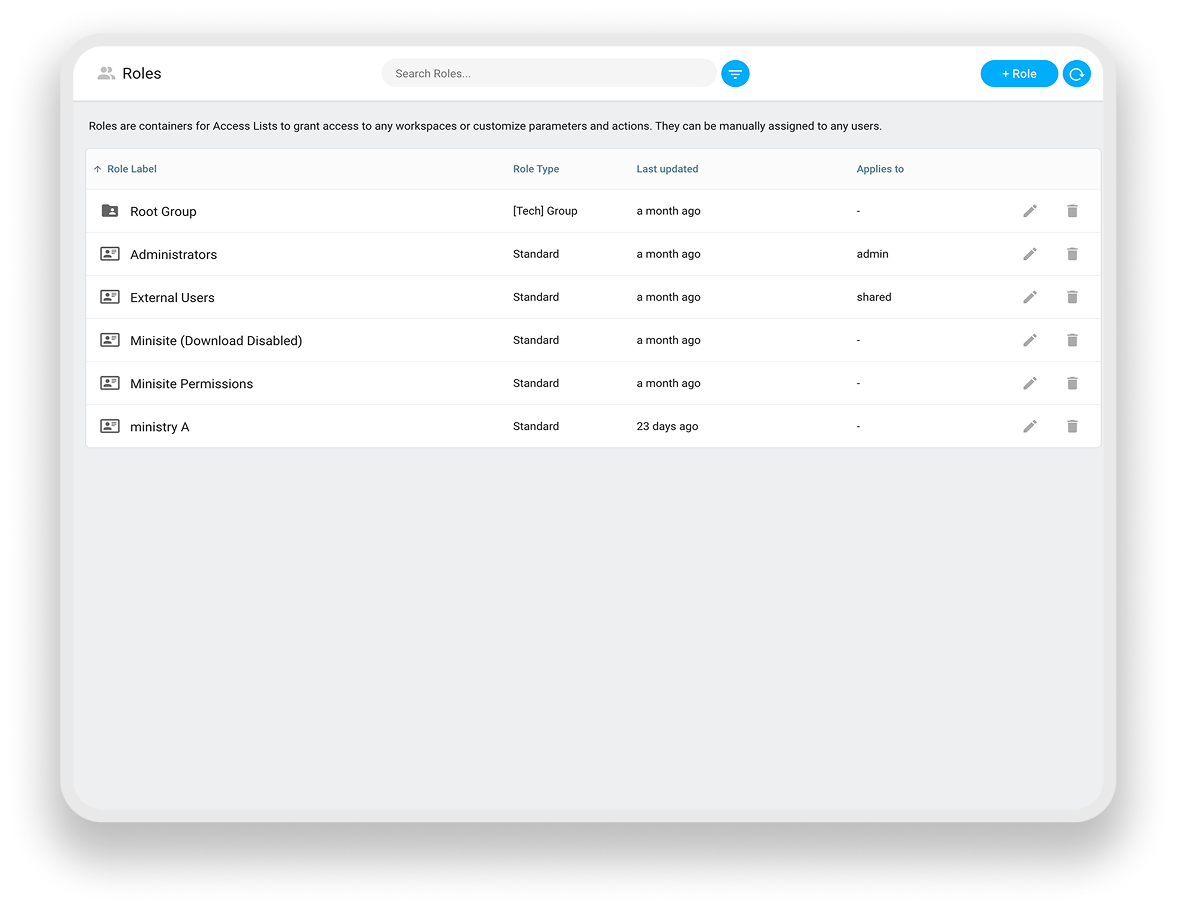
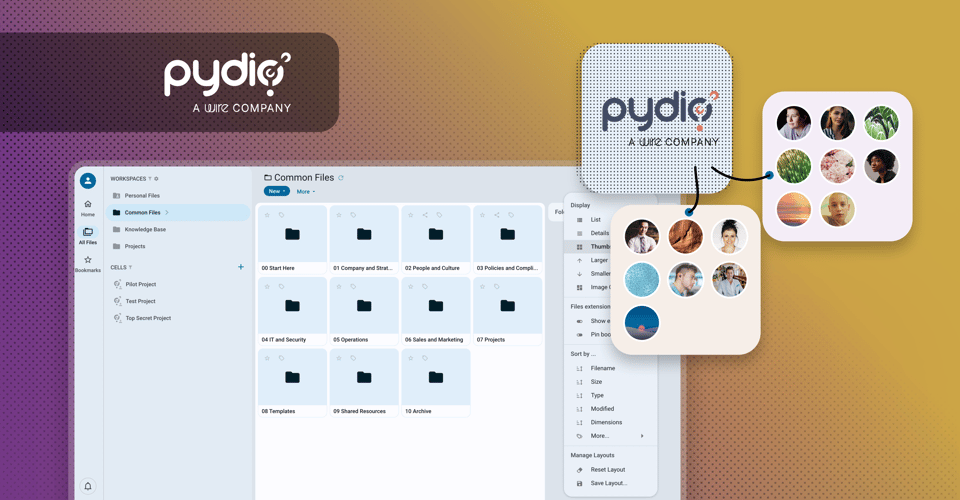
- Unified workspace model: The "Cells" workspace concept organizes files, documents, and pages under a single permission boundary. Grant a contractor access to a Cell, and they see exactly what the Cell owner intended - nothing more, nothing across other projects. Access is controlled at the Cell level, not file-by-file, dramatically reducing the administrative overhead of cross-functional or external collaboration.
- Pages (introduced in v5): Teams can now author richly formatted internal pages - wikis, runbooks, onboarding guides, policy references, project documentation - directly inside Cells, in the same platform where they manage files. Learn more here.
- Comprehensive navigation and formatting: Subpage navigation and rich formatting bring it close to a Confluence or Notion experience, but every page is subject to the same access controls, retention policies, and audit logging as the files alongside it.
- Secure external access: When Public Links are enabled, Pages are shown as read-only "minisites" that can be shared with external partners without giving them platform access - a powerful controlled-disclosure capability for regulated environments.
- NLP-powered search across all content and storage: Cells' full-text search spans connected storage backends (local filesystem, S3-compatible object storage, Azure Blob, Google Cloud Storage) as well as metadata and page content. NLP-assisted search suggests terms and surfaces related documents, making organizational knowledge actually findable.
- Automated knowledge taxonomy via Flows: Cells Flows can enforce metadata completion at upload, apply classification tags based on workspace rules, and trigger notifications when documents are created in a project Cell, so every new document is findable and governed from minute one.
- Data sovereignty by architecture: Self-hosted on-premises, in a private cloud, or in a sovereign regional cloud of the customer's choice. No US-based vendor, no CLOUD Act or PATRIOT Act exposure, no data residency ambiguity. The entire knowledge base stays inside the organization's infrastructure. Learn more about Cells' security in our whitepaper.
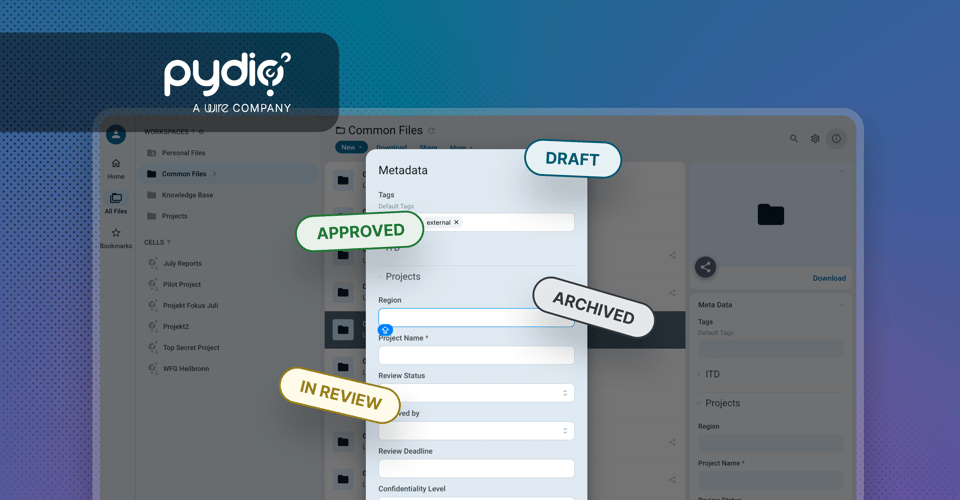
- Rebuilt metadata system (v5): Cells allows users to create and define almost any type of files metadata and specify for example the order they appear and whether they can be used as search criteria. Learn more here.
- Access on the go: Cells allows your teams, partners, and even customers to search for and access documents securely from anywhere and on any device.
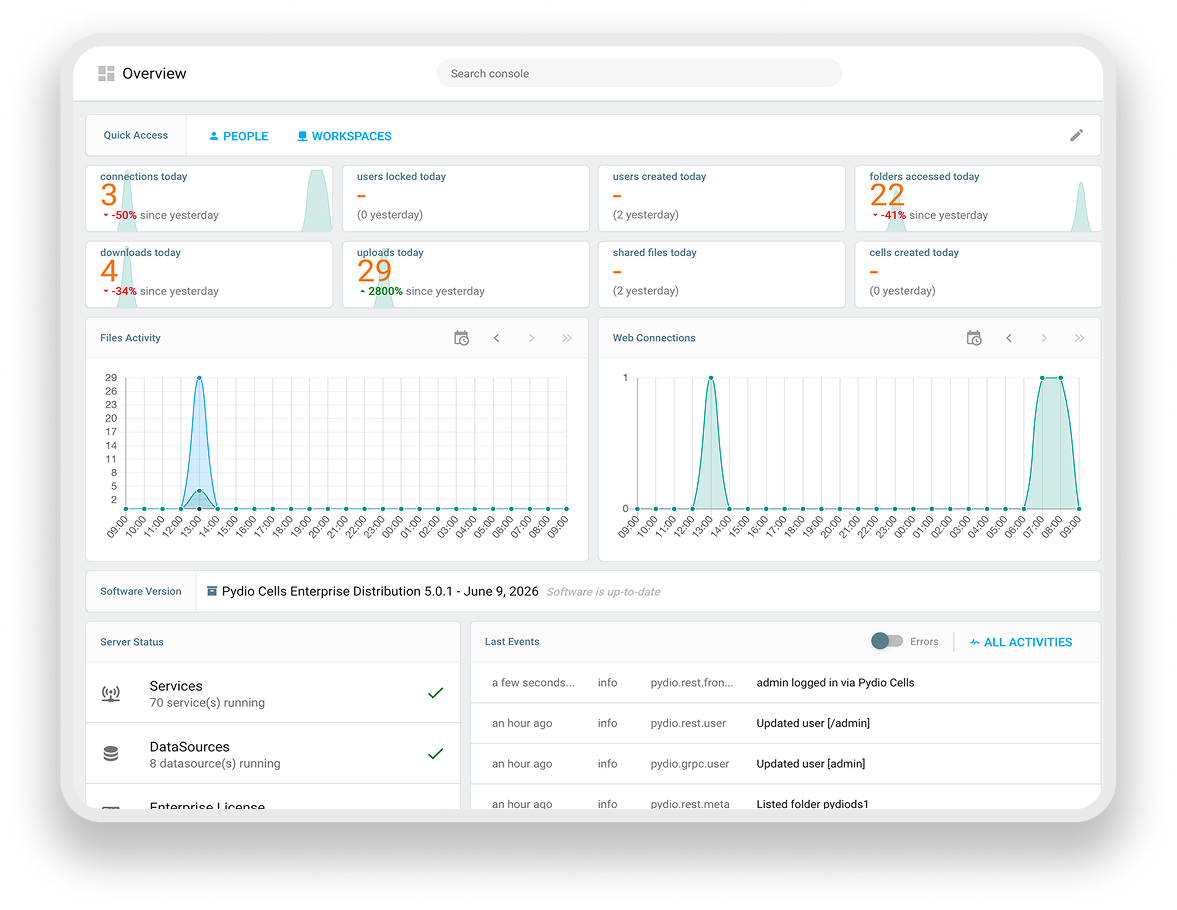
- Analytics and compliance: Cells has a full suite of customizable dashboards, reporting, and compliance audit tools to help admins and managers do their jobs efficiently.

.png?width=960&name=Oliver%20blog%20(24).png)